Photography

Albums powered by folders

Each folder becomes a tag. Drop images inside and the site renders everything automatically. Currently showing 11 photos across 2 tags.

How to add photos

  1. Create a folder under public/photography/; the folder name is the tag.
  2. Place images (jpg, png, webp, gif, avif) inside that folder.
  3. Rebuild or refresh and the gallery will update.

Filter by tag

Single-tag filtering. Click “All” to reset the grid.

ComicConvention - WechatIMG339.jpg
ComicConvention
ComicConvention - WechatIMG749.jpg
ComicConvention
ComicConvention - WechatIMG800.jpg
ComicConvention
ComicConvention - WechatIMG801.jpg
ComicConvention
ComicConvention - WechatIMG802.jpg
ComicConvention
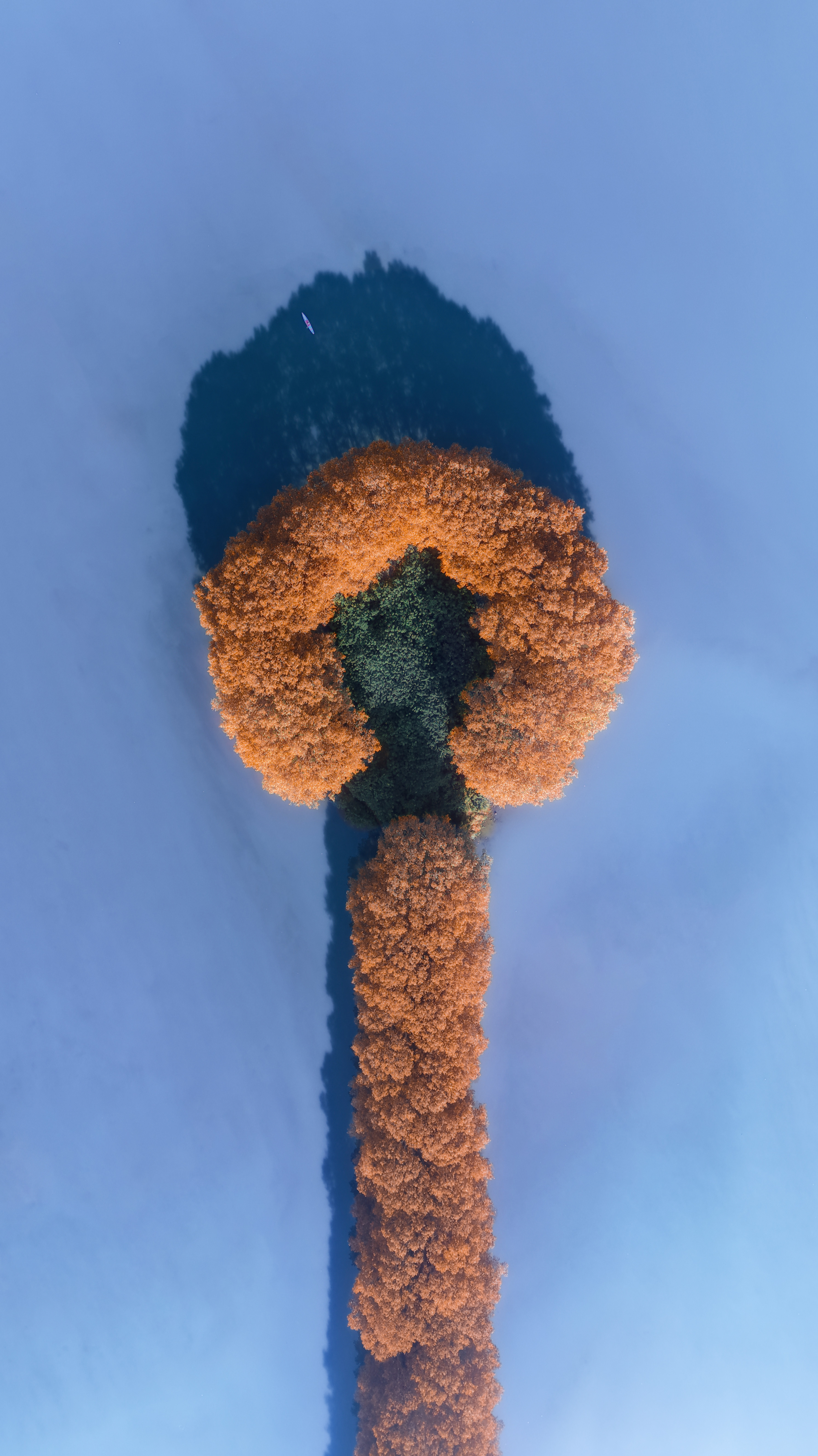
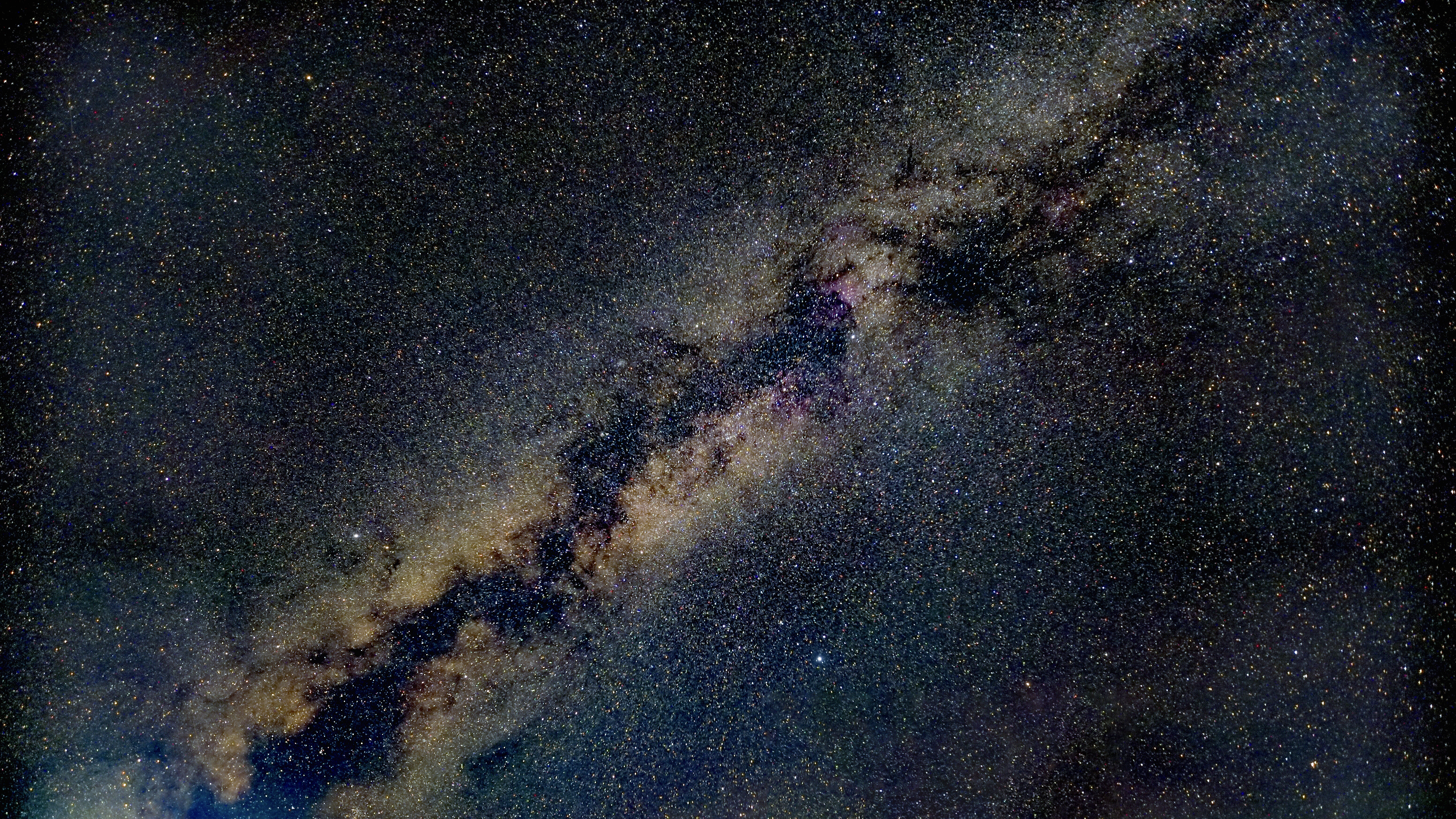
Scenery - WechatIMG792.jpg
Scenery
Scenery - WechatIMG796.jpg
Scenery
Scenery - WechatIMG798.jpg
Scenery
Scenery - WechatIMG799.jpg
Scenery
Scenery - WechatIMG11855.jpg
Scenery
Scenery - WechatIMG11856.jpg
Scenery